
From attack to response: what the 2nd edition of The Era of Agentic IT webinar showed about AI agents in cybersecurity
In the 2nd edition of The Era of Agentic IT (A Era da TI Agêntica), three specialists followed the same incident from start to finish: the attack that already uses AI, the support ticket that opens the way to Active Directory, and the AI agents that correlate, prioritize, and respond within governance rules. This is the summary, with the full recording.
What the 2nd edition was
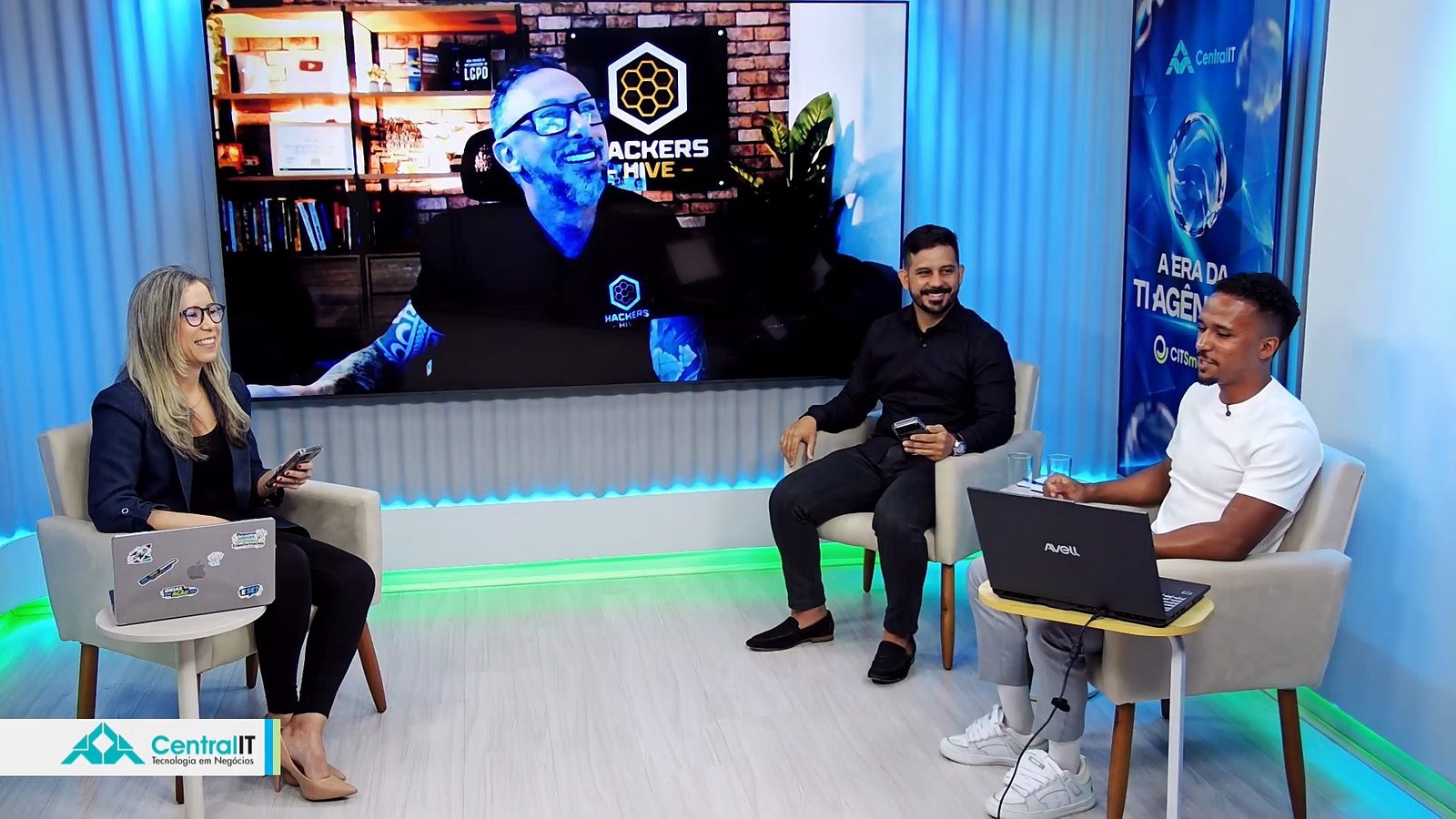
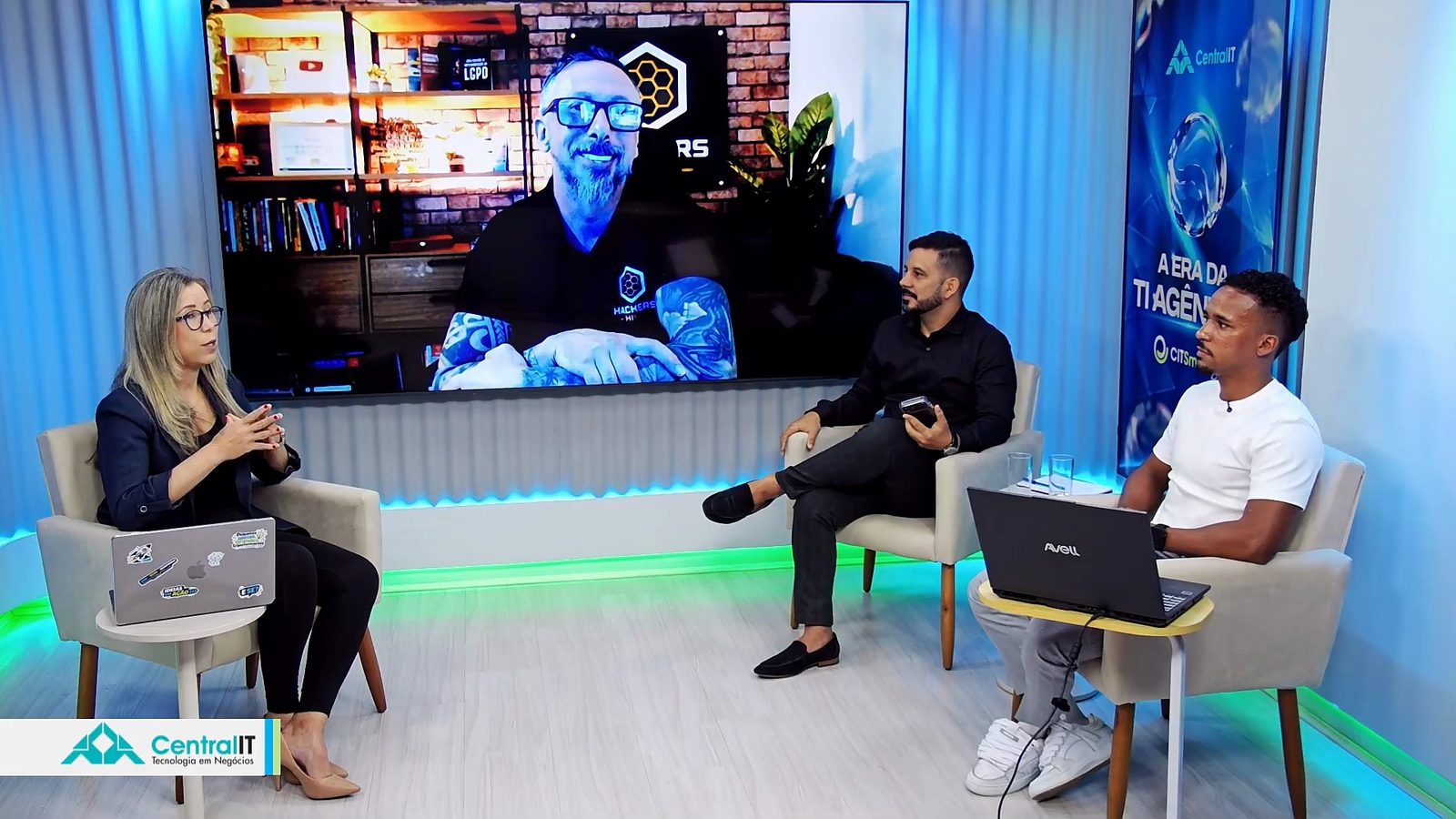
The first edition of The Era of Agentic IT, on October 6, ended with requests for another round. Central IT went back on air on October 21, 2026, this time live from its studio, broadcast on YouTube. The question remained the same: how to use autonomous AI agents in IT operations and cybersecurity safely. The host and moderator was Paullyanna Gomes, Head of Digital Marketing at Central IT, and the program followed the path of an attack, from first access to response:
- Daniel Donda, ethical hacker, cybersecurity specialist, and founder of Hackers Hive: the journey of an attack in the AI era.
- Gustavo Vilardi, Head of Cybersecurity at Central IT: an everyday support security incident, step by step.
- Lucas Silva, Head of Artificial Intelligence at Central IT: how to respond with autonomous agents, in a demo of CITSmart Autonomous AI.
What the registrant survey showed
At the opening, Paullyanna went back to the IT Operations and AI Automation Maturity Survey, answered by those who registered. Most of them work in infrastructure and IT operations (66.8%) or in IT service management and service desk (61.3%). 35.4% said they have already suffered a cyberattack, and the biggest complaints were manual, repetitive tasks and team overload. Only 7.4% already have agents acting autonomously in operations, and 48.9% plan to move forward with AI in the next 6 months.
To show the scale, she repeated the figure from Fortinet's FortiGuard Labs, published by IT Forum: in 2025, Brazil received 753.8 billion attempted cyberattacks, about 23,900 per second.
Daniel Donda: the attack already uses AI
Daniel started by separating the ethical hacker, who studies the adversary to protect companies, from the malicious actor. That actor ranges from state-sponsored groups, in espionage and industrial sabotage, to everyday organized crime: cryptojacking, which uses a company's idle servers to mine cryptocurrency, and ransomware, now sold as a service by groups that have turned it into a profitable business. Because he works in incident response, he sees up close what is left afterward.
“We are going to suffer attacks all day long. But the conclusion, the final stage of that attack, cannot happen.”
Daniel Donda, at 17:05 in the webinar
The stages of an attack, in the AI era
To show how an attack is organized, Daniel used the Cyber Kill Chain, which adapts a military term to describe the attacker's steps (the MITRE ATT&CK framework details the same stages in many more techniques):
Reconnaissance
The attacker builds a dossier on the target. A public website such as Have I Been Pwned shows which leaks an email address has already appeared in, and a reused password is what the attacker is looking for.
Weaponization
With the dossier, the attacker prepares the malware or the exploit and chooses the easiest way to deliver it.
Delivery
Phishing that, with AI, no longer has mistakes in Portuguese, a USB stick that is really a keyboard, a phone cable with an attack inside, or a device planted on the company's network cable.
Exploitation
Inside the environment, a single machine is enough to start running commands and go after administrator privileges.
Installation
The attacker creates persistence and moves from machine to machine. An attack can take months and take out a terabyte of data without anyone noticing.
Actions on objectives
At the end comes the demand for payment: the stolen data and the encrypted machines become ransom currency.
On camera, he took apart a “USB stick” that is not a USB stick: it is a device the computer recognizes as a keyboard and that types commands on its own. He also showed a small device that, connected to the company's network cable, captures the traffic and sends it out, and a phone cable just like any other with an attack built in. AI, he said, helps the attacker create this kind of payload so it goes unnoticed.
Daniel also looked up his own email on a leak website and showed how a leaked password, even when stored as a hash, can be discovered from lists of likely passwords. That is why changing the password and turning on two-factor authentication matter. His lesson for defense: the later the attack is detected, the harder it is to recover the environment and make sure the intruder does not come back. The focus is to stop the attack at delivery or, at the latest, at exploitation.
Gustavo Vilardi: the incident starts at the workstation
Gustavo, who comes from Microsoft infrastructure and data center operations, brought the attack into the everyday work of support. The starting point is almost always the workstation, not the server: nobody plugs a USB stick into the server, opens email on it, or buys plane tickets from it.
When someone logs on to Windows, the password does not travel in clear text. What travels is an NTLM hash, and the LSASS service keeps in memory the hashes of everyone who logged on to that machine. The scenario he described is common:
- Someone at the front desk opens a ticket, and the support analyst handles it on that person's machine, logged on with a domain administrator account.
- If the machine is already compromised, the intruder copies from memory the receptionist's hash and the administrator's.
- With the hashes, the intruder authenticates to neighboring machines without knowing the password, in the lateral movement called pass-the-hash, and repeats the process to collect more credentials.
- The domain controller is easy to find, because it answers on well-known ports, such as those of LDAP and Kerberos. That is where the file with the hashes of every AD user is.
The worst case is the hash of the KRBTGT account, which Kerberos uses to sign access tickets. With it, the intruder issues a ticket valid for years and with any privilege groups they want: this is the attack known as golden ticket, capable of compromising the entire Active Directory forest.
“A company is born through AD, but it can also die through AD.”
Gustavo Vilardi, at 49:32 in the webinar
For Gustavo, the problem is not the user, who was doing legitimate work, but the weakness of the process. Many environments do not separate accounts by privilege level (so-called tiering, with T0, T1, and T2 accounts), and the analyst ends up using the company's most powerful credential to solve a simple ticket. The way out he proposed is to look at the workstation with a tool that, in addition to taking inventory, correlates the events, the security logs, and the behavior of each machine.
Lucas Silva: CITSmart Autonomous AI in practice
Lucas, who also comes from operations, left a message before opening the system:
“Our focus is to empower people, to empower the analysts. This is here to boost what you already do.”
Lucas Silva, at 54:37 in the webinar
In the demo of CITSmart Autonomous AI, he showed:
- Topology map built automatically, showing which machines an attacker would reach from a compromised machine and which metrics and critical logs are linked to each configuration item.
- Morning call: a summary of the state of operations and of what happened while the team was away, with the peak times for occurrences calculated by machine learning. Gustavo pointed out that the summary can be configured, for example, to report every morning on Windows events that indicate lateral movement or privilege escalation.
- Workstation agent, for Windows and Linux: hardware and software inventory, a record of every USB device connected or removed, active antivirus, and firewall on, off, or only partially active. Faced with a chat question about disabling NTLM, Lucas noted that you can first observe where it is still in use.
- Correlated events center, sorted by importance or by date. In the event chosen, Autonomous identified someone trying to use a user's NTLM to log on to a machine and brought the summary, the LLM's analysis, the root cause, and the recommendations.
- Alerts from the tools the company already uses: a user account switch, common in day-to-day work, was highlighted because it departed from the pattern learned for that environment.
- Decisions screen, which separates what needs action now, what can be resolved over the week, and what is worth looking at when there is time, and indicates what could be done by an agent.
Autonomous does not ask you to replace what already exists: it cross-checks the various sources and judges whether each finding applies to that environment. When the response is to carry something out, the event goes to the AI agents of CITSmart Hyper Agents. In the pass-the-hash case, for example, an agent can block the user account in AD.
Governance: agents on four levels, like a team
A chat question led to the topic that most concerns anyone thinking about adopting agents: who controls the agent? Gustavo explained that the agents were divided into levels, as if they were junior, mid-level, senior, and specialist analysts:
Query
Runs query commands on Windows, Linux, or appliances such as the firewall. It does not create, edit, or delete anything.
Create
Creates an account in AD or a DNS record for a new application. If it created something it should not have, a person deletes it.
Impact
Restarts a service, moves an account in AD, copies or moves files. It only acts with a ticket open in the ITSM.
Destructive potential
Deletes an account, a volume, or a record. It also only acts with an open ticket, and permissions are granted gradually.
“T3 and T4 agents do nothing unless there is a ticket ID linked from the ITSM.”
Gustavo Vilardi, at 1:13:16 in the webinar
During implementation, each agent starts at its level and receives new permissions gradually, as the operation gains confidence. Gustavo cited as a reference the ordinance of Brazil's Ministry of Management and Innovation (MGI) that guides the use of generative AI, including with regard to the LGPD (Brazil's data protection law). And linking the action to the ticket puts the agent's action in the same change and incident process that an ITSM already organizes for people.
Later on, the question was direct: how do you prove that an agent with permission to touch critical data does not go beyond its limit? The answer had several layers, six protections in total, including:
- The exact flow each agent can run is programmed in the MCP server layer. The agent requests the action in natural language, but what acts on the infrastructure is the code, and what was not foreseen there does not happen.
- The MCP server only accepts calls from Hyper Agents, over encrypted communication and with a secret that is changed periodically. An outside agent cannot connect.
- To act, the agent uses a service account with delegated privilege, like any analyst. And Autonomous monitors this account's logons, as it does with the others.
- The organization decides the degree of autonomy. On the product page, Central IT describes three modes: assisted, approved, and automatic.
Other audience questions
- I have many security tools. Is it possible to know which policies to apply? Lucas answered that the AI uses the manuals and policies of each tool to indicate what to enable, and that Central IT's specialists complete the recommendation. The first advice for anyone who authenticates with a password only: turn on two-factor authentication.
- What is the risk of using local administrator accounts? Very high, according to Gustavo, when the same password is repeated across several machines: whoever discovers one gets into all of them. The recommendation is to rotate the passwords of privileged local accounts, as Microsoft's LAPS does. This kind of finding shows up in Autonomous's security posture.
- Are systems built with AI more exposed? For Lucas, the risk is high when there is no governance over development with AI. In the conversation, the reminder was that AI gives more strength to those who already have a technical foundation, but does not replace that knowledge.
- How do I start studying security? Daniel recommended starting with the fundamentals and then specializing, without leaving aside Active Directory, which is the foundation of the infrastructure of the vast majority of companies.
What changes in operations
To close, Gustavo summed up the gap he sees in data centers: many tools working in isolation, each with its own false positives, and nobody to cross-check what they record and say what really applies to the environment. That is the role he assigns to Autonomous. Paullyanna presented the benefits Central IT associates with it: machine-speed response, routine automation with automatic package remediation, unified visibility with license optimization, and lower total cost through tool consolidation.
Anyone who wants to see Autonomous working on their own technology estate can schedule a conversation with Central IT's specialists through the link below. To revisit the first part of the series, the summary of the 1st edition is in Agentic IT in practice, with the October 6 recording.
Recording chapters
- 1:36Opening
- 5:53Who Central IT is
- 9:16What the registrant survey showed
- 12:27The speakers
- 13:52Daniel Donda: the attack in the AI era
- 21:16The stages of an attack (Cyber Kill Chain)
- 25:37The USB stick that is a keyboard and the cable with an attack inside
- 31:04Leaked password and hash
- 37:08Gustavo Vilardi: the incident starts at the workstation
- 41:06The front desk ticket and the administrator's hash
- 47:06Golden ticket: when the attack reaches AD
- 52:57Lucas Silva: CITSmart Autonomous AI in practice
- 56:40Morning call: the operation summary
- 58:05The workstation agent: USB, antivirus, and firewall
- 1:03:57Correlated events center
- 1:07:25Decisions screen
- 1:09:06Governance: agents on four levels
- 1:15:30Results and benefits
- 1:17:57Audience questions
- 1:24:41How to limit an agent's autonomy
- 1:27:52Why correlate what already exists
- 1:30:00Closing
Frequently asked questions
What was the 2nd edition of The Era of Agentic IT webinar?
It was a live Central IT broadcast on YouTube, on October 21, 2026, about autonomous AI agents in cybersecurity and IT operations. Daniel Donda showed how an attack happens in the AI era, Gustavo Vilardi showed how an ordinary support incident can reach Active Directory, and Lucas Silva demonstrated CITSmart Autonomous AI. The full recording is on this page.
Why can a support call open the way to an attack?
When someone logs on to a Windows workstation, the NTLM hash of the credential stays in the memory of the LSASS service. If the support analyst logs on to an already compromised machine with a domain administrator account, the intruder can copy that hash and reuse it to authenticate to other machines without knowing the password. This is the lateral movement known as pass-the-hash, and it ends at the domain controller. Separating accounts by privilege level (tiering) and rotating local administrator passwords reduce this risk.
What is a golden ticket attack?
It is when the intruder obtains the hash of the KRBTGT account, which Kerberos uses as the secret to sign Active Directory access tickets. With it, it is possible to issue tickets valid for years, with any privilege group. Gustavo Vilardi called it the worst attack of all, because it can compromise the entire AD forest. Microsoft publishes a procedure to change this account's password twice when there is suspicion.
How does CITSmart Autonomous AI help detect lateral movement?
It cross-checks what comes from several sources: the logs of workstations and servers, collected by an agent installed on Windows and Linux, and the alerts from the tools the company already uses. In the demo, Autonomous flagged an attempt to use a user's NTLM to log on to a machine, with the event summary, the analysis made by the LLM, the root cause, and the recommendations. From there, the event can go to an AI agent to carry out the response.
How can you limit the autonomy of an AI agent in the infrastructure?
In the model presented, agents are divided into four levels, from T1 (query only) to T4 (destructive potential), like junior, mid-level, senior, and specialist analysts. T3 and T4 agents only act with a ticket open in the ITSM. What each agent can do is fixed in code in the MCP server layer, and the agent uses a service account with delegated privilege, like anyone on the team, whose logons are also monitored.
Do AI agents replace the IT analyst?
No. Lucas Silva said in the webinar that the focus is to give more strength to analysts and to the knowledge they already have. The agents take on the manual, repetitive work, and the team sets the rules, approves the higher-risk actions, and handles what requires judgment.
Where can I watch the recordings?
The recording of the 2nd edition, in Portuguese, is embedded on this page and on the Central IT YouTube channel. The 1st edition, from October 6, 2026, has its own summary on the website, with the video.
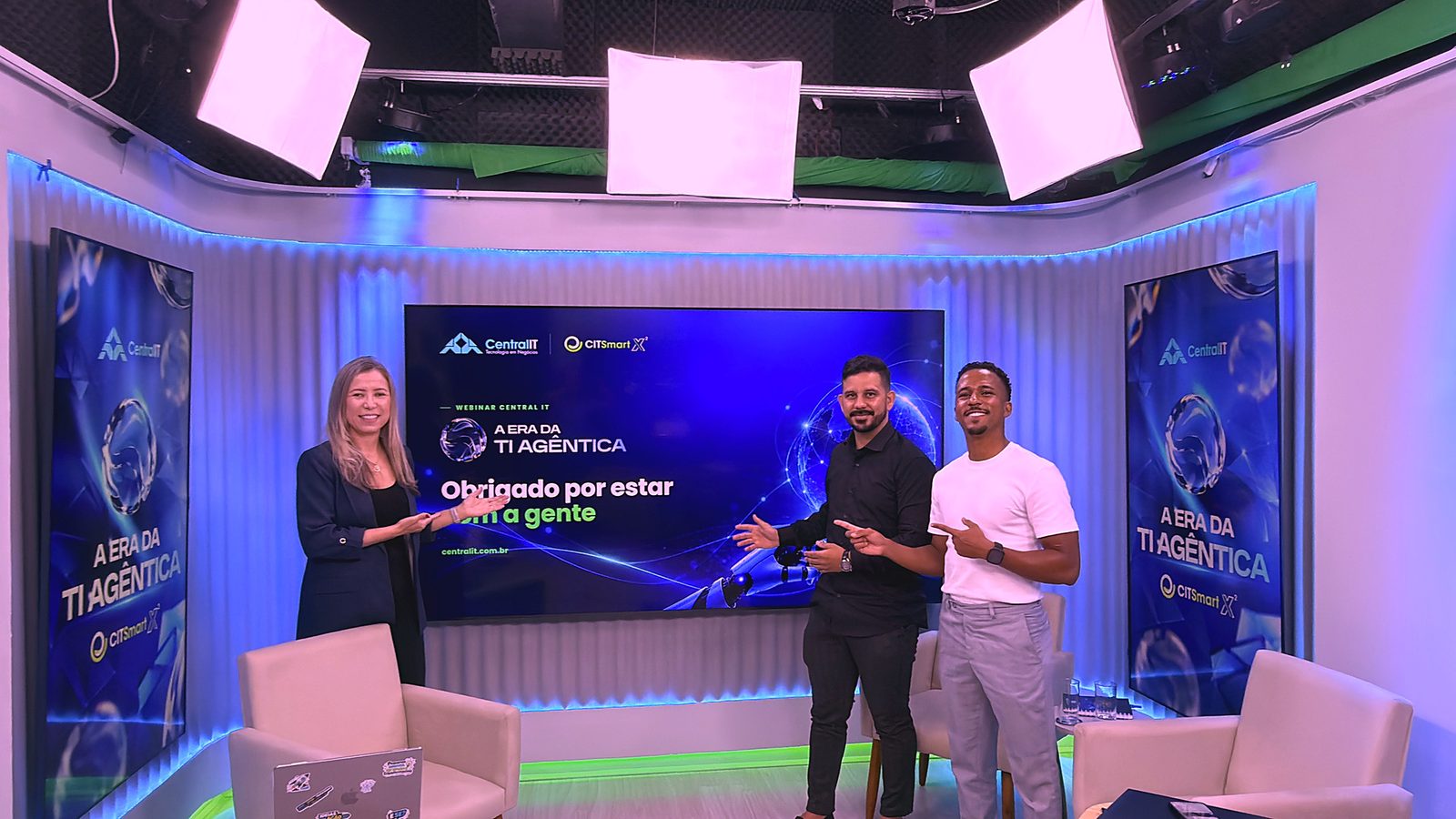
Thank you to Daniel Donda, Gustavo Vilardi, and Lucas Silva, and to everyone who joined live and sent questions.
See CITSmart Autonomous AI in your environment
AI agents that cross-check what your tools already record, prioritize what is critical, and respond within the rules your team sets.